How To Get Here?
- To access Product Groups, navigate to the top main menu, select Admin, and then choose Product Groups from the submenu.
What is it for?
- To pre-define, the names of Product Groups, so that these become available in the dropdown list of the Edit Product – Product Grouping Section
Screen Print
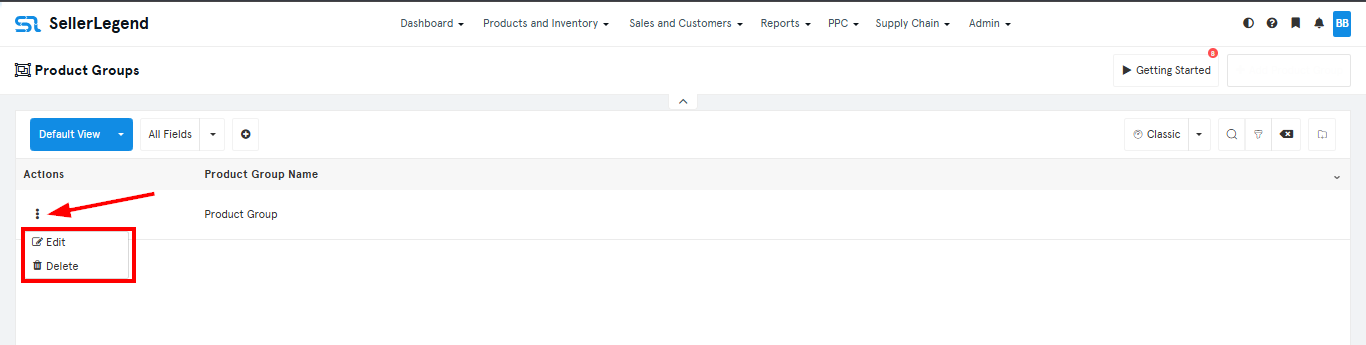
Content
(*) denotes features not yet implemented at the time of writing
- Product Group Name
- An arbitrary name to define a group under which the financials of several products will be aggregated
- The example shows groups for a pet shop. All Dog Leashes will be aggregated under one group.
To Create A New Product Group
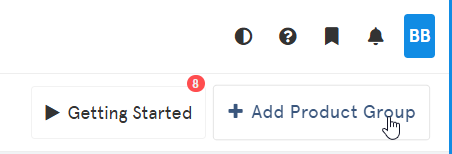
- Click on the + Add Product Group button on the top right of the screen.
- Enter a group name in the Group Title box
- Click on Save
To Edit Or Delete A Product Group
- On the current screen, choose the product group you want to edit or delete
- Click on the Option (⋮) dropdown
- Choose Edit or Delete in the drop-down box